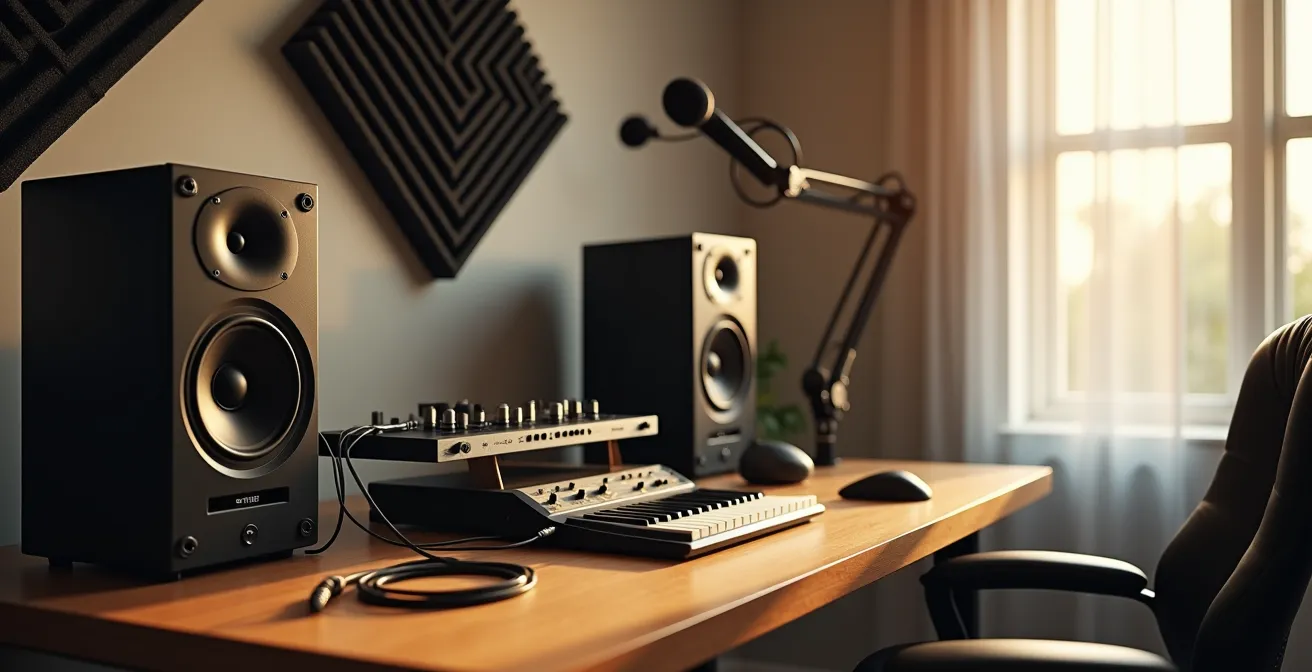
Building a high-quality $1,000 studio is not about a shopping list; it’s about ruthlessly prioritizing what can’t be faked with software.
- The biggest impact comes from your monitoring (headphones/speakers) and basic acoustic treatment, not expensive microphones or interfaces.
- Modern, budget-friendly gear often outperforms vintage equipment in reliability and function, freeing up cash for essentials.
Recommendation: Allocate the first 40-50% of your budget to hearing your sound accurately. A great mix on average gear will always beat a bad mix on expensive gear.
For any aspiring producer, the first look at studio equipment is overwhelming. A sea of glowing knobs, complex software, and marketing hype promises professional sound, but often leads to a drained bank account with little to show for it. The common advice is to create a shopping list: a microphone, an interface, headphones, and monitors. While not wrong, this approach misses the fundamental point of budget studio building and often leads to costly beginner mistakes.
The truth is, assembling a powerful studio on a $1,000 budget is less about what you buy and more about the philosophy behind your choices. It’s a game of strategic compromise, focusing every dollar on what delivers the highest Return on Sonic Investment (ROSI). Many features that seem essential—like having numerous inputs or chasing the mythical “warmth” of vintage gear—are marketing-driven distractions that waste precious funds.
This guide abandons the simple shopping list. Instead, it provides a frugal engineer’s framework for decision-making. We will deconstruct the common myths that trap beginners and reveal where to spend and, more importantly, where to save. The goal is to build a setup that is not just functional, but optimized for producing high-quality music from day one, by focusing on the unfakeable core of any great studio: what you hear and the room you hear it in.
This article provides a complete, no-nonsense roadmap for allocating your budget effectively. You’ll discover the correct order to purchase your gear, how to avoid common pitfalls in acoustics and cabling, and why a minimalist approach often yields the most professional results.
Summary: A Frugal Engineer’s Guide to Building a $1,000 Studio
- 2 Inputs vs. 8 Inputs: Which Interface Do You Really Need?
- In What Order Should You Buy Your First 5 Studio Essentials?
- The Acoustic Treatment Mistake That Ruins Expensive Microphone Quality
- How to Organize Your Studio Cabling for Zero Hum and Stress
- Why Buying Vintage Gear Is a Bad Idea for Your First Studio
- Mono or Stereo: Which Mic Setup Captures the Most Realism?
- Why Does Dry Air Make Your Action Drop and Strings Buzz?
- How to Record Acoustic Instruments at Home Without Room Boxiness
2 Inputs vs. 8 Inputs: Which Interface Do You Really Need?
The audio interface is the heart of your digital studio, but it’s also where the first major budget trap lies. Marketing often pushes interfaces with 8, 16, or even more inputs, suggesting you need them for “future-proofing.” For a beginner, this is a critical error. An 8-input interface can easily consume half your budget, forcing compromises on gear that has a far greater impact on your sound quality. The reality is, as a solo artist or producer starting out, you will likely only record one or two sources at a time, such as a vocal and a guitar, or a stereo keyboard.
A simple, high-quality 2-input interface is more than sufficient. The crucial benefit of any interface over your computer’s built-in sound card is its superior analog-to-digital (A/D) converters and dedicated microphone preamps with phantom power. A budget 2-input model from a reputable brand like Focusrite or PreSonus provides these core features. The money saved by avoiding unnecessary inputs should be immediately reallocated to the two most critical parts of your signal chain: monitoring and acoustic treatment. Choosing a smaller interface is a strategic compromise that prioritizes overall sound quality over a feature set you won’t use for years.
| Feature | 2-Input Interface | 8-Input Interface |
|---|---|---|
| Typical Price Range | $50-$200 | $300-$800 |
| Best For | Solo artists, podcasters, singer-songwriters | Full band recording, drum tracking |
| Preamp Quality per Channel | Generally higher quality at same budget | Often compromised for quantity |
| Recording Scenarios | Vocals + guitar, stereo keyboards, overdubbing | Live band, multi-mic drums, ensemble recording |
| Learning Curve | Simple, forces creative constraint | Complex routing, more technical knowledge needed |
Even the most budget-friendly interfaces offer professional-grade quality. For instance, the Focusrite Scarlett Solo is widely praised by experts for providing studio-quality features and excellent preamps in a low-cost package, making it an ideal choice for producers on a tight budget. The focus should be on clean conversion and reliable drivers, not a high input count.
In What Order Should You Buy Your First 5 Studio Essentials?
The order in which you purchase your gear is more important than the gear itself. A common mistake is to buy a great microphone first, only to realize you can’t properly hear what it’s capturing. The guiding principle must be to build your studio from the “outside-in,” starting with how you perceive sound. This means your first and largest investment should be in monitoring—either quality studio headphones or a pair of entry-level monitors. If you can’t hear frequency imbalances, distortion, or excessive reverb, you can’t fix them. Accurate monitoring is the single most important, unfakeable core of any studio.
Once you can hear accurately, the rest of the signal chain falls into place. The second purchase should be the audio interface, followed by a versatile microphone. Only then should you address the room with basic acoustic treatment. Cables and accessories come last to connect everything. This hierarchy ensures your budget is spent where it delivers the highest Return on Sonic Investment (ROSI). Professional studio setup guides confirm that monitors and headphones will consume the bulk of a $1000 budget, but they are worth every penny.
- Monitoring: Start with accurate hearing. A pair of closed-back headphones like the Audio-Technica ATH-M20x ($69) or entry-level monitors like the PreSonus Eris 3.5 ($99/pair) are excellent starting points.
- Audio Interface: A 2-input USB interface ($50-$160) becomes the central hub connecting your gear to your computer.
- Microphone: Choose based on your primary need. A large-diaphragm condenser like the Audio-Technica AT2020 ($99) is great for vocals, while a dynamic mic like the Shure SM57 ($99) is a workhorse for instruments.
- Basic Acoustic Treatment: DIY bass traps for corners and absorption panels for first reflection points can be built for under $100 and will dramatically improve your room’s sound.
- Cables & Accessories: An XLR cable, a mic stand, and a pop filter ($50-$80) complete your recording chain.
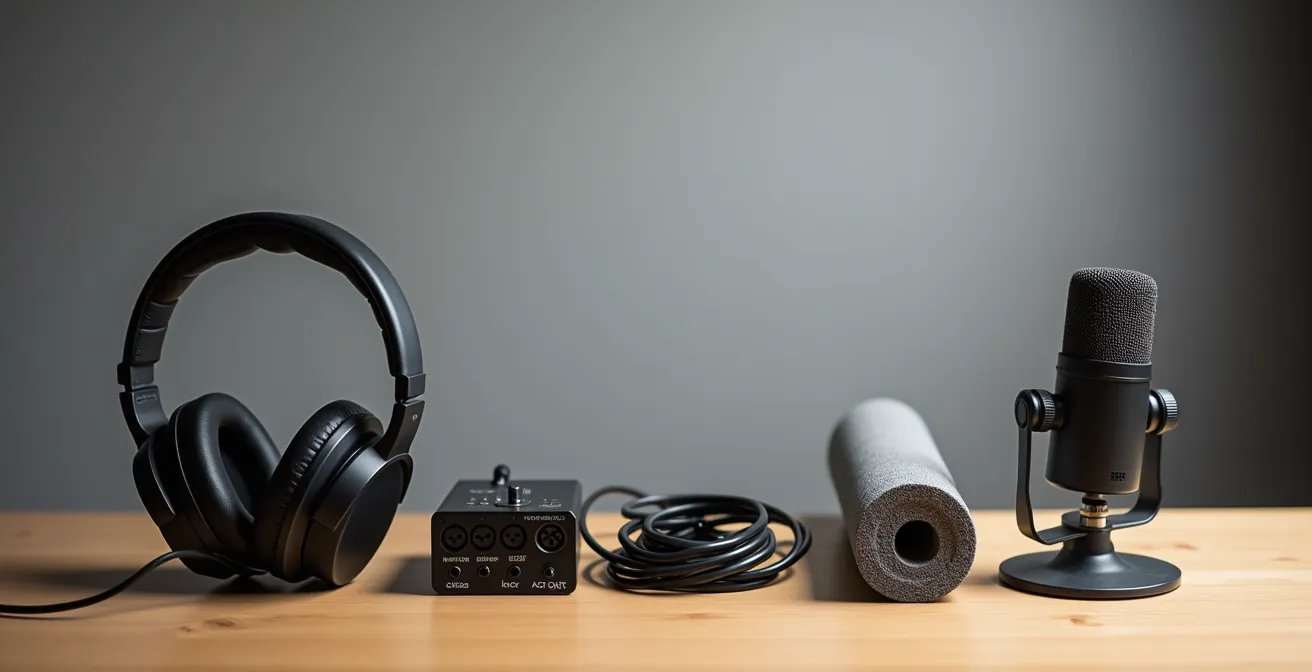
This deliberate purchasing order prevents you from owning a high-end microphone that sounds terrible because it’s being monitored through consumer-grade speakers in an untreated room. It forces discipline and ensures that each new piece of gear builds upon a solid foundation.
The Acoustic Treatment Mistake That Ruins Expensive Microphone Quality
Here is the most common and devastating mistake a beginner makes: spending $500 on a microphone and $0 on acoustic treatment. An untreated room is the enemy of a good recording. Every sound you make reflects off the walls, ceiling, and floor, creating a wash of echoes and frequency problems that the microphone captures along with your performance. Even the most expensive microphone will sound muddy, distant, and unprofessional in a bad-sounding room. The most significant issue in small rooms is the uneven buildup of low-frequency energy, which causes “room modes.”
These room modes create a brutally uneven bass response, where some bass notes boom uncontrollably while others disappear entirely. This phenomenon, sometimes called “one-note bass,” blurs the clarity of your entire mix. The cheap, thin foam panels sold in online marketplaces are another trap; they only absorb high frequencies, making the room sound dull and lifeless while doing nothing to solve the underlying bass problems. Proper treatment isn’t about covering every surface; it’s about surgically targeting problem areas.
Effective treatment on a budget starts with DIY solutions. Building your own broadband absorbers and bass traps from rigid fiberglass (like Owens Corning 703) is far more effective and cheaper than buying commercial foam. Placing these traps in the corners of your room will immediately begin to tame the unruly bass frequencies. This frugal engineering approach delivers a quantifiable improvement that no piece of gear can replicate.
Actionable Checklist: Avoid These Common Acoustic Treatment Mistakes
- Using thin foam panels that only absorb high frequencies while ignoring low-end problems.
- Not treating corners first, which is where bass frequencies naturally accumulate and cause the most issues.
- Over-treating the room with absorption without adding any diffusion, creating an unnaturally “dead” sound.
- Placing panels randomly on walls instead of targeting the critical “first reflection points” around your listening position.
- Ignoring the creation of a “reflection-free zone” (RFZ) at your mix position, which is essential for accurate monitoring.
How to Organize Your Studio Cabling for Zero Hum and Stress
Cabling is the nervous system of your studio, and overlooking it can introduce noise, hum, and endless frustration. The two primary types of cables you’ll encounter are balanced and unbalanced. Understanding the difference is a key piece of frugal engineering. Unbalanced cables (like those used for guitars) are susceptible to picking up noise and interference over long distances. Balanced cables (XLR for mics, TRS for monitors) contain an extra wire that cancels out interference, making them essential for any run longer than 10 feet.
Using the right cable for the job is a cheap way to ensure a clean signal. Never use a long guitar cable to connect your studio monitors. Spend the extra $10 on a pair of balanced TRS cables to protect your sound from radio frequency interference and electrical hum. Another major source of noise is the power itself. All the electronics in your studio can be polluted by a “dirty” power source, often resulting in a persistent 60Hz hum that can ruin recordings. A dedicated power conditioner is designed to filter this noise out before it ever reaches your gear.
As one studio setup expert noted in the Professional Home Studio Guide 2024, this is a purchase with an exceptionally high return on investment for sonic purity:
A basic power conditioner or even just a dedicated circuit is one of the highest ROI purchases for sonic purity.
– Studio Setup Expert, Professional Home Studio Guide 2024
You don’t need a high-end, multi-thousand-dollar unit. A basic power conditioner costing between $50 and $150 can make a world of difference, providing both noise filtering and surge protection for your valuable equipment. This is a smart, preventative investment that elevates the quality of your entire system.
Why Buying Vintage Gear Is a Bad Idea for Your First Studio
The allure of vintage gear is powerful. Terms like “analog warmth” and “classic character” are used to market old equipment at premium prices. For a beginner on a $1,000 budget, this is a dangerous path. Vintage gear is often unreliable, expensive to maintain, and its supposed sonic benefits are frequently overstated. You could spend $700 on a 1980s synthesizer only to have it fail a month later, with repair costs exceeding its purchase price. This money would have been far better spent on the foundational elements of your studio.
Modern manufacturing and digital technology have reached a point where even budget-friendly equipment delivers incredible quality and reliability. In fact, expert testing of multiple interfaces reveals that for home use, sound quality is not the differentiating factor between most modern devices. The sonic differences are often negligible, especially to an untrained ear. Instead of chasing a mythical “warmth,” your focus should be on clean, reliable performance. A modern interface like the Behringer UMC204HD demonstrates that you don’t need to spend a fortune to get professional results; it punches well above its weight and is perfect for a tight budget.
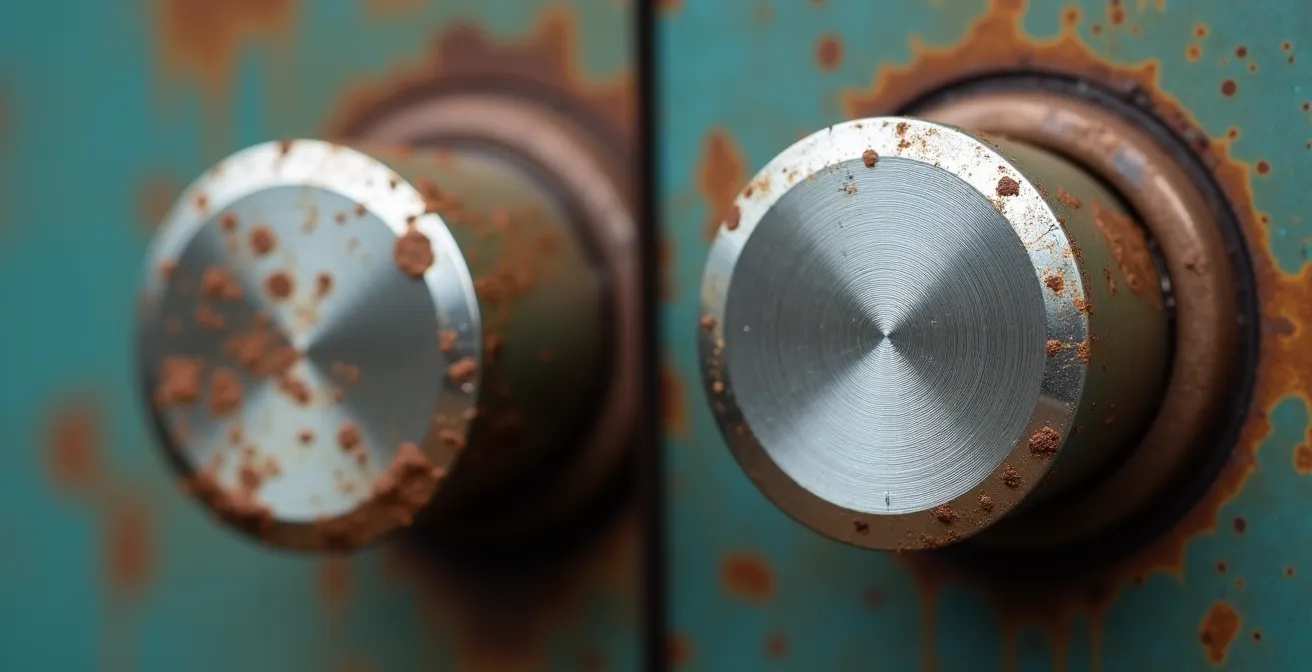
The “character” of vintage gear can be convincingly replicated with high-quality plugins, many of which are free or inexpensive. This strategic compromise allows you to get 99% of the sound for 1% of the cost and none of the maintenance headaches. Let the big studios worry about repairing old consoles; your job is to get a clean, solid recording into your computer.
Mono or Stereo: Which Mic Setup Captures the Most Realism?
The assumption that “stereo is more realistic” leads many beginners to believe they need two microphones for every source. This often results in buying a matched pair of cheap, mediocre microphones instead of one excellent one. This is a classic quantity-over-quality mistake. The surprising truth is that a strong mono recording is the foundation of almost every professional mix. It provides focus, power, and clarity that can easily get lost in a poorly executed stereo recording.
As a leading recording engineer states, the industry standard is built on mono signals. This isn’t a limitation; it’s a deliberate choice for impact and clarity.
95% of foundational elements like vocals, bass, kick, and snare are recorded in mono anyway.
– Recording Engineer, Modern Recording Techniques Guide
Adopting a “mono-first” recording strategy is a powerful form of frugal engineering. By focusing your budget on a single, high-quality microphone and signal chain, you ensure your most important elements sound fantastic. The sense of width and space that we associate with stereo is almost always created during the mixing stage, using techniques like panning, reverb, delay, and chorus. Many of these tools are available for free within any Digital Audio Workstation (DAW). Recording a clean, centered mono vocal gives you a perfect canvas to which you can add stereo effects later, offering far more control than a problematic stereo recording.
Reserve stereo miking for specific applications where it truly shines, like capturing the wide image of an acoustic guitar, a piano, or overheads for a drum kit. For everything else, one great microphone will always beat two average ones.
Why Does Dry Air Make Your Action Drop and Strings Buzz?
Your studio gear is an investment, and your instruments—especially acoustic guitars—are highly sensitive to their environment. One of the most overlooked aspects of a home studio is humidity control. Wood is a porous material that absorbs and releases moisture, causing it to expand and contract. In a dry environment (typically during winter months with indoor heating), the wood of a guitar will lose moisture and shrink. This can cause the top to flatten, the neck to bow backward, and the action (the height of the strings off the fretboard) to drop, resulting in annoying string buzz.
Conversely, excessive humidity can cause the wood to swell, leading to high action and a “boomy,” indistinct tone. Protecting your instruments from these fluctuations is critical. Instrument care specialists confirm that for wooden instruments, an ideal relative humidity range of 40 to 50 percent is best. Maintaining this stable environment is a cheap insurance policy against costly repairs. A reliable digital hygrometer to monitor your room’s humidity can be purchased for about $20.
| Solution Type | Cost | Coverage | Maintenance | Best For |
|---|---|---|---|---|
| Room Humidifier | $50-200 | Entire studio space | Weekly water refills | Multiple instruments |
| In-Case System (D’Addario Humidipak) | $25-40 | Single instrument | Replace packets monthly | High-value guitars |
| Simple Sponge Device | $5-15 | Single instrument | Daily monitoring | Budget solution |
| Smart Bluetooth Monitor | $30-60 | Monitoring only | Battery replacement | Data tracking |
The solution you choose depends on your situation. If you have several instruments, a room humidifier is the most efficient option. If you only have one prized guitar, an in-case system like the D’Addario Humidipak offers a set-and-forget solution that maintains a perfect microclimate inside the case. This small, ongoing expense is negligible compared to the cost of a fret job or a cracked guitar top.
Key Takeaways
- Prioritize the Unfakeable Core: Your first and largest investment should always be in monitoring (headphones/speakers) and basic acoustic treatment. If you can’t hear the truth, you can’t create it.
- Embrace Frugal Engineering: Use technical knowledge to solve problems, not expensive gear. Master concepts like mic placement, cable types, and mono recording to save money and get better results.
- Ignore Marketing Hype: Features like excessive inputs, “vintage warmth,” and stereo recording for every source are often traps for beginners. Focus on reliability, clean signal path, and a single, excellent signal chain.
How to Record Acoustic Instruments at Home Without Room Boxiness
Recording an acoustic guitar in a small, untreated room often results in a “boxy” sound. This is caused by the close proximity of the walls, which creates a buildup of unpleasant mid-range frequencies and flutter echoes that the microphone captures. While acoustic treatment is the ultimate solution, there are powerful frugal engineering techniques you can use with microphone placement to dramatically minimize these problems without spending a dime.
The most important principle to understand is the inverse square law. It states that for every halving of the distance between a sound source and a microphone, the sound pressure level quadruples. This means moving your mic from 12 inches to 6 inches away from your guitar will make the direct sound from the guitar much, much louder relative to the unwanted room reflections. This simple adjustment can effectively “dry up” a recording, making it sound more focused and professional. As one expert from the Home Studio Acoustics Guide puts it, this technique can quadruple the ratio of direct to reflected sound.
Another powerful technique involves using your microphone’s polar pattern to your advantage. A microphone with a figure-8 pattern, for example, is almost completely deaf to sounds coming from its sides. By aiming the “null” sides of the mic at the nearest reflective walls, you can acoustically “remove” them from the recording. You can also create a temporary vocal booth or “gobo fort” by surrounding the performer with heavy blankets draped over mic stands, absorbing reflections before they can reach the mic. These techniques, which rely on knowledge rather than gear, are the essence of a smart studio setup.
Now that you are equipped with this strategic framework, the next step is to start planning your purchases with the principle of Return on Sonic Investment at the forefront. Begin building your studio with confidence, knowing that every dollar is being spent for maximum impact.